
Set up your business: a first-day checklist
The six things to do before your first real sale, in the right order. About 30 minutes.
Do these in order. Each step links to a page that explains it fully. You can stop after any step and carry on later; Quid saves as you go.
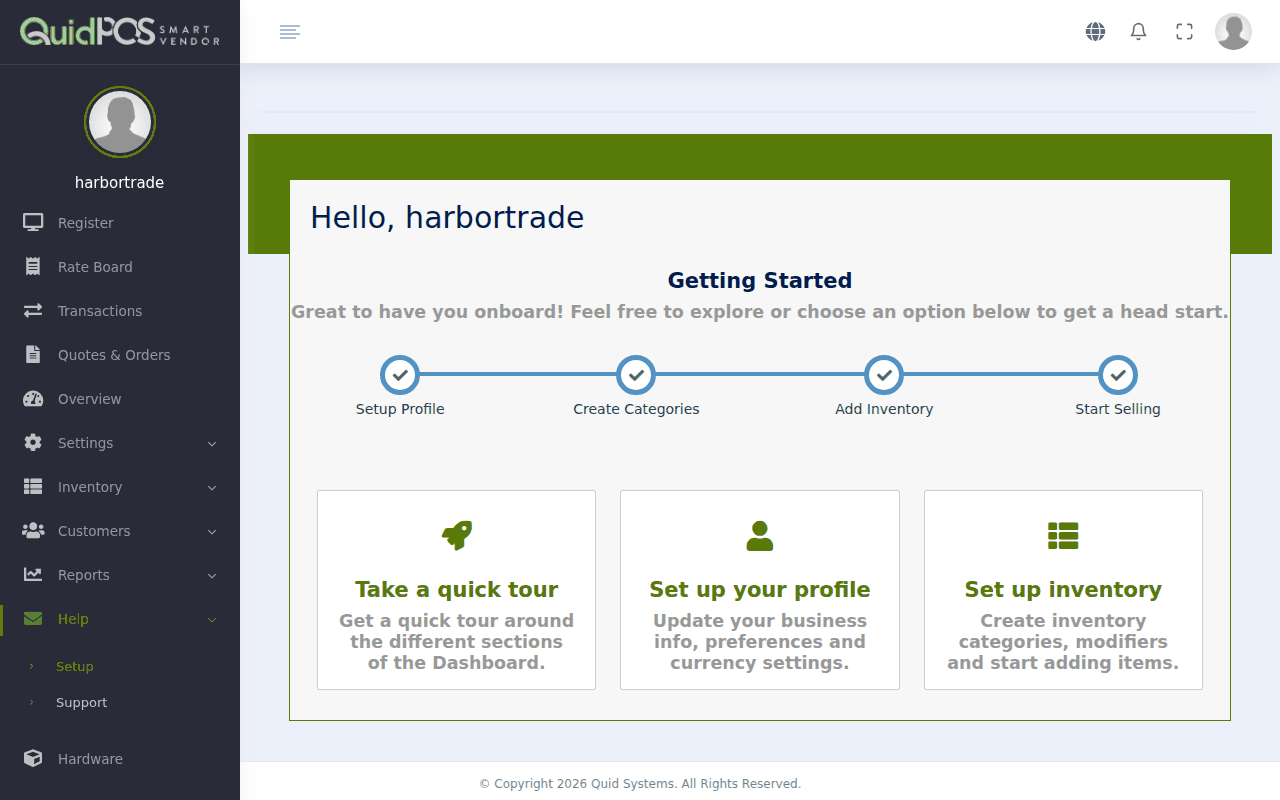
1. Fill in your business details
Your name, address, phone number and logo appear on receipts, quotes and invoices.
Go to . Full steps: Your business details and logo.
2. Set your tax and receipt options
Tell Quid your sales tax (VAT, GST, IVA) rate, if you charge one, and what message to print at the bottom of receipts.
Go to . Full steps: Tax, receipt and register options (Preferences).
3. Decide how to group your items
Before adding items, create a few groups such as "Electrical", "Plumbing" and "Tools". Groups make items quick to find on the register and make your reports easier to read.
Go to . Full steps: Organise your items into groups (Types and Categories).
4. Add the things you sell
- Only a few items? Add them one at a time: Add an item to sell.
- A long list in Excel or another spreadsheet? Load them all in one go: Load items, customers or stock from a spreadsheet.
5. Add your customers (optional)
You do not need a customer for a normal cash sale. Add customers if you want to sell on credit, send invoices, or see who buys what. See Add a customer.
6. Make a practice sale
Ring up one item, take "cash", and look at the receipt. Then cancel it so it does not count. See Make a sale and Cancel a sale or give a refund.
After that
- Give your staff their own logins: Give a staff member their own login.
- Connect a receipt printer: Printers, scanners and cash drawers: what works with Quid.
- Switch on card payments: Card payments.
- Learn the daily routine: A normal day: opening, selling and closing.
Not sure about a setting? Leave it as it is. The settings Quid starts with suit most shops, and everything can be changed later (except the native currency).