
Add a customer
Save a customer's name and contact details so you can invoice them, sell on credit and see what they buy.
Where to find it Open this screen in Quid POS
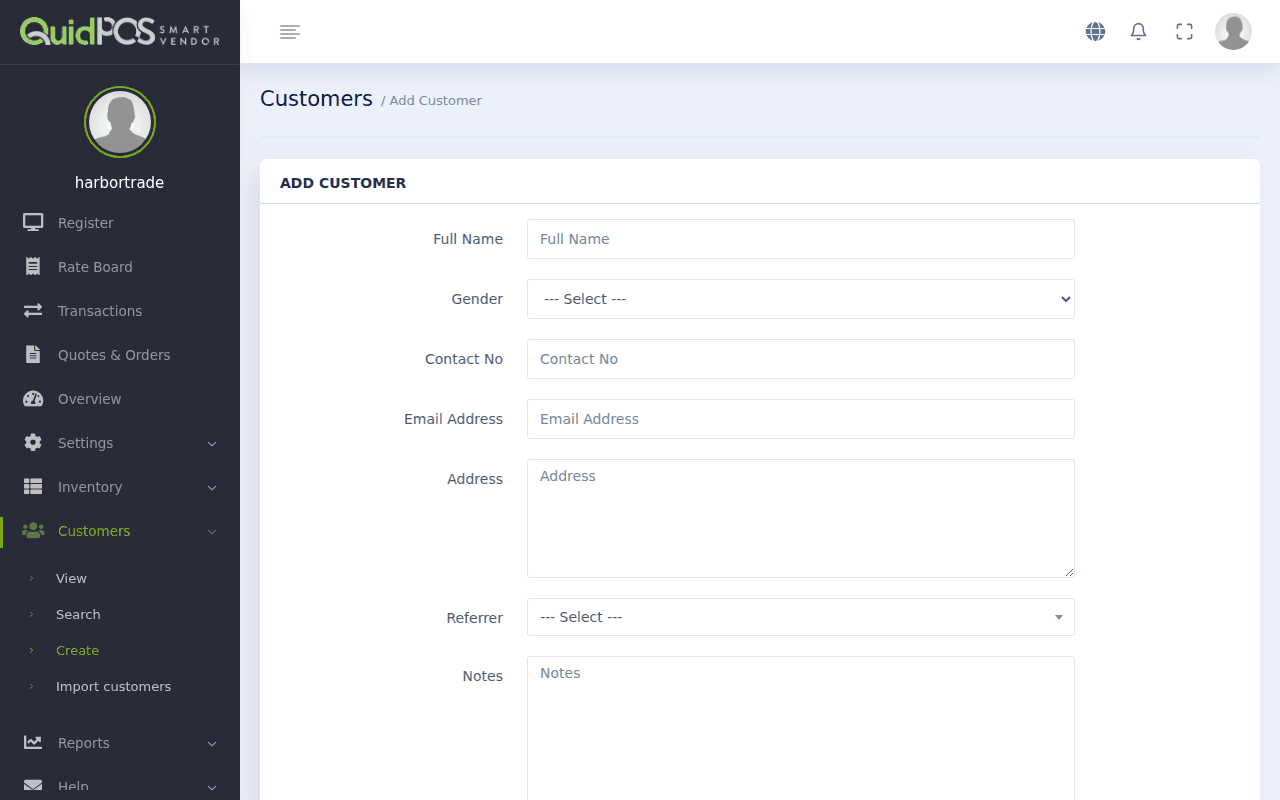
Add one customer
- Go to .
- Type the Full Name. For a business, type the business name.
- Fill in what you know: Contact No (phone), Email Address, Address. Only the name is required, but a phone number or email lets you send documents.
- Use Notes for anything useful: "always wants delivery", "ask for PO number".
- Leave Account (sell on credit) off unless you will let this customer pay later. See Sell on credit (customer accounts).
- Click the button at the bottom to save.
Tip
Type phone numbers with the country code (for example +52 or +63). WhatsApp links then open the right chat.
Add many customers at once
If you have your customers in a spreadsheet, load them all in one go. See Load items, customers or stock from a spreadsheet.
Find a customer
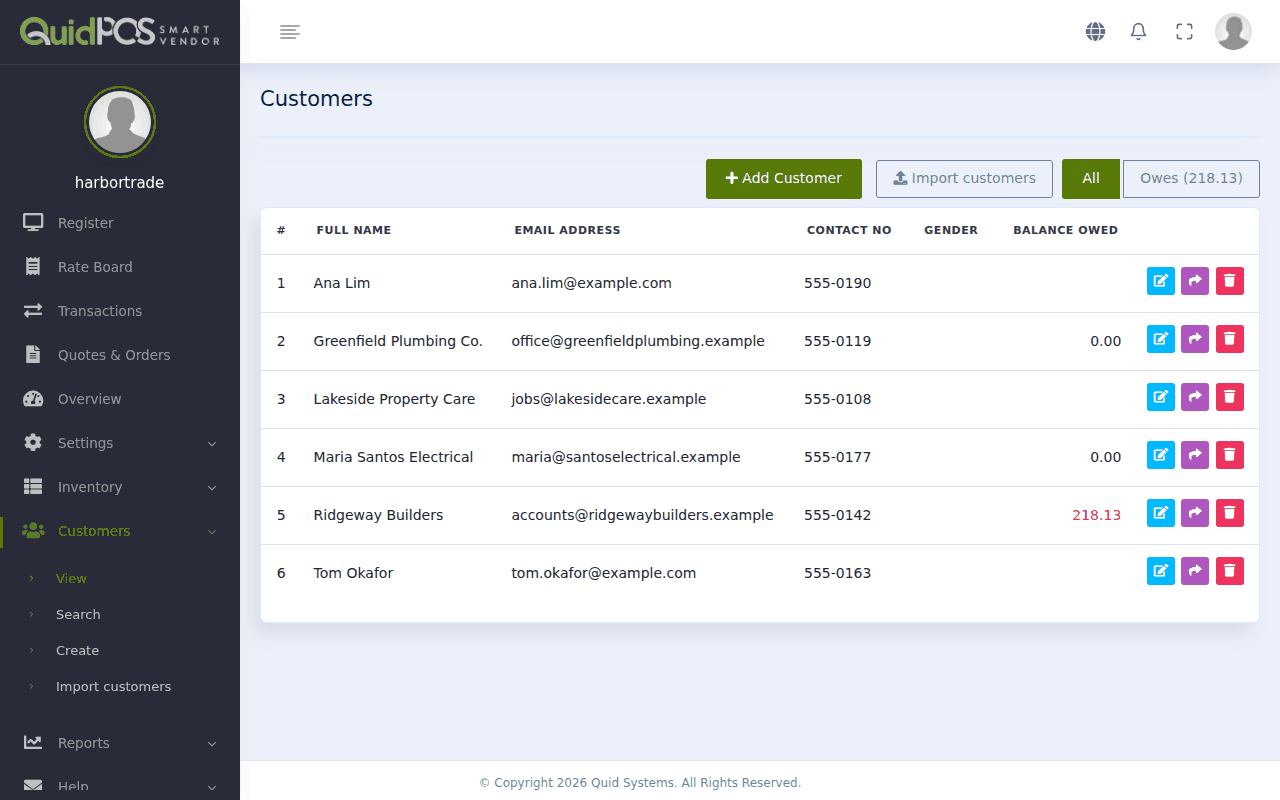
- lists everyone, in name order.
- finds a customer by part of their name, phone or email.
Change or remove a customer
Open the customer and click Edit Customer. To remove them, use Delete Customer. Their past sales stay in your records.
Other things on the customer form
- Gender: optional.
- Referrer and Add Referrer Till Date: only if you pay commission to someone who introduced this customer. See Referrers: pay commission to people who send you customers.
- Group Members (on the customer's page): other people who buy under the same customer, such as staff of a company.
Did this answer your question? If not, email us and tell us what you were trying to do. We read every message.