
Log in as a team member
Staff need three things to log in: the Account ID, their username and their password.
For the staff member
- Open app.quidpos.com/login.
- Under the Login button, click Login with Account ID (for team members).
- Type the Account ID. This is a number your employer gives you. It is the same for everyone in the business.
- Type your own username and your own password.
- Click Login.
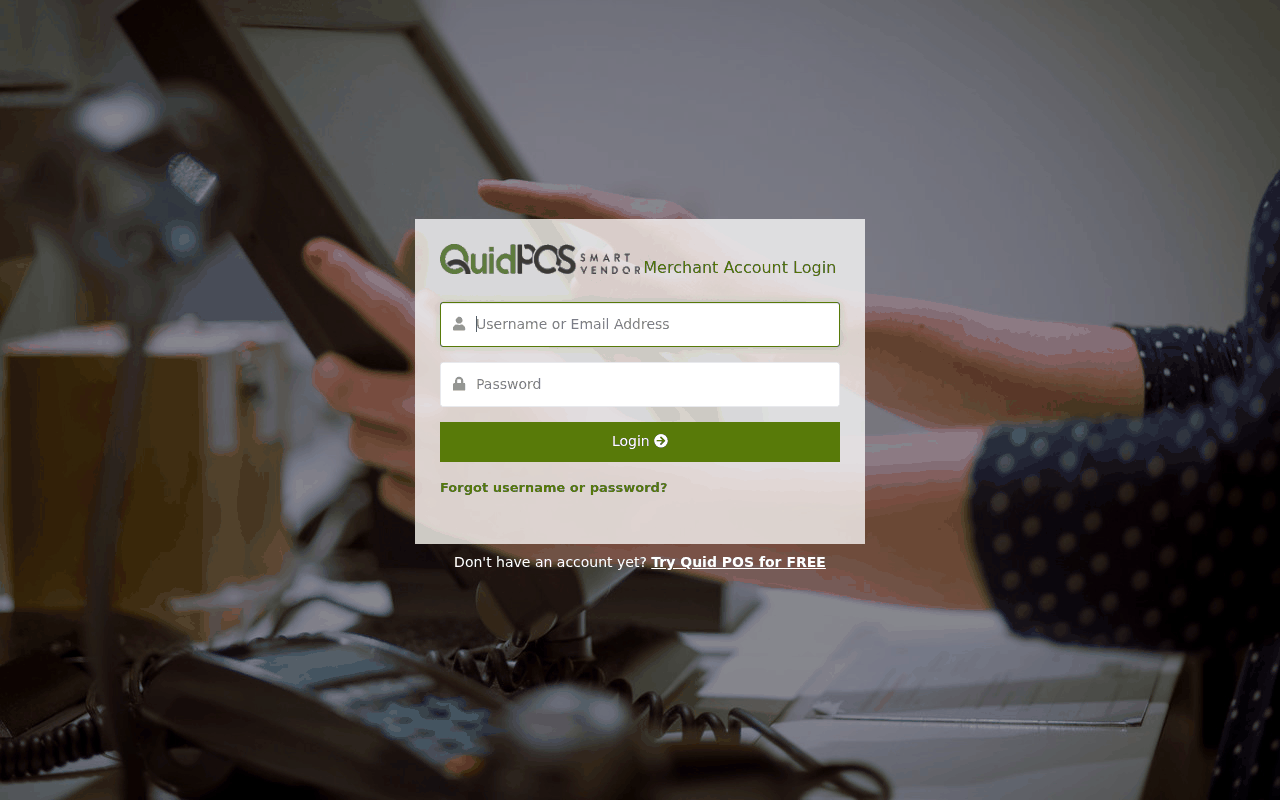
Bookmark the page after you click the team member link. Next time it opens straight on the right form.
For the owner: where is the Account ID?
Go to . The Account ID is listed under Account Details. Give this number to your staff. It is not secret on its own; nobody can log in without a username and password as well.
A team member forgot their password.
On the log in page they can ask for a reset email, if you saved an email address for them. Otherwise the owner can type a new password for them in .
It says the username or password is wrong.
Check that the team member link was clicked first. The normal log in form does not accept staff usernames. Also check Caps Lock.
Too many wrong tries.
After several wrong passwords Quid makes you wait a short while before trying again. Wait a few minutes, then type carefully.